Pages

Thursday, February 7, 2013

Techie Thursday: MyHomework App

As my 5th grade class continues the pilot program for the 1:1 iPads which will be in place school-wide next year, we also continue the search for a great homework app.  Of course, each student at my school is provided with an agenda book where they can write out by hand what their homework assignment is.  There are of course pros and cons to this.  In my classroom, I'm all about accountability and responsibility.  So my philosophy was always that the students are RESPONSIBLE to write their homework down.  Of course, as teachers we know that as wonderful of a philosophy that might be, it doesn't always happen.  Which then leads to issues of parents not know what the assignments are, which leads to parent/teacher conferences to try and solve the problem which leads to me having to potentially check EVERY single agenda to make sure students have written down their assignments.  And I'll be honest.....that's just not going to happen.

Sooooooo.....in efforts to save time for us all, still make my students accountable but even more importantly inform parents of what assignments are so they can be sure to provide the support needed at home, I searched out apps for students to record their assignments.  The first app we tested out was called iHomework.  It was nice and had many cool features but I found that it was unreliable at best and didn't work for what I needed.  Many times it would force close, didn't provide a link to parents, tended to confuse students on how to enter in assignments and on top of it all, cost $1.99 per iPad (of course you could get the educator discount if you bought 20 or more of it).  Don't get me wrong - this is probably a perfect app for a high school students or even college students but for 3rd - 8th grade it didn't cut it. However, it may be perfect for some.

So while my students had the option between using the iHomework app or using the traditional paper/pencil agenda, I continued to look.  After doing some research I came across MyHomework.  The app itself is free (however I think if you load it onto a computer it costs money).  The app itself requires students to create a personal login and password (unlike iHomework).  It does request that the students are 13 or older but with parent permission that isn't a problem.  Students have the ability to create different classes (which is great for middle school students) and can enter in Lessons, Assignments and Tests.  They can also download this app onto several devices and it will seamlessly sync between all of them which is what iHomework lacked.  With this ability, my students' parents load the app onto their smartphone or device and login using their child's information.  This way they can see what the assignments are and when they are due.  However, this is only TRUE if the student is recording all the assignments down. 

This is where this app gets EVEN better!  There is also a teacher component available as well (FREE).  As a teacher, I can go in and create my class(es) and add in assignments, lessons, tests, announcements, syllabi, etc.  Students can then search for me and "JOIN" my class.  Instantly providing them with all the information I'm inputting.  When I first signed up for this resource, I still made it the responsibility of the student to input their assignments in.  But I found time and time again that a couple of my students just would not enter them all in.  Which resulted in their parents still not knowing what was due and a lot of incompletes and zeros.  I have since started to input my assignments in daily (it takes me less than 3 minutes!) and still makes my kids accountable for actually doing the work.  Because when it comes down to it, I'd rather them be completing the work instead of just writing it in their agenda.  Again, my students' parents see everything I'm putting in because they either are signed in as their child on their device or they created their own account and "joined" my class.  How awesome is that?!?!

What the students see on their iPads

And again, the best part about this app and all it's fabulous features - it's F-R-E-E!!!  You can't get better than that. :-)

So don't waste anytime - check it out.  (And no - I don't get royalties.....though I should! haha)

Here are the two links you need:

Student Login: https://myhomeworkapp.com/
Teacher Login: https://teachers.io/

When you sign up as a teacher, you need to first input your email and you'll receive an "invitation" via email.  I'm not quite sure why the developer went that route but I found that I received my invitation in a matter of hours of requesting it.  Students can sign up immediately. 

Give it a go and let me know what you think!

Wednesday, February 6, 2013

Catholic School's Week - Over and Done

Last week we celebrated Catholic School's Week at our small but awesome school.  Each day had a different theme that we focused on.

Monday was Jeans for Jesus Day.  Students were allowed to wear jeans instead of their traditional uniform and school t-shirt.  If students chose to participate they brought a $1 which we donated to the Missionary Childhood Association. 

Tuesday was Service Day which is where each classroom focused their activities for the day around their Service Learning Project.  In case you missed my post last year on our Service Learning, you can see it here. 

Wednesday was Career Day and each teacher arranged to have parents or alumni come and talk to the students about their jobs.  Students also got to dress up like their future profession and explain to the class what that was.

Thursday was Holy Men and Women Day.  Students chose either a biblical character or a Saint to dress up as.  Or they could just bring something to symbolize that person.  The students spoke to the class about who they chose and why.

And finally, Friday was our mass celebration where the entire school went to church.

Overall, it's a fun (but exhausting week) for all involved.  In addition to the daily activities, each teacher also had to complete two extra projects with their class.  One was to lead our classes in writing a letter to their parents thanking them for the sacrifices they make to send their child to a private school.  Most of the classes just wrote handwritten thank you letters for their parents.  But since my kids and I am addicted to QR Codes, we incorporated that into our cards.  First, students had to write a rough draft of the letter they wanted to give their parents.  After I reviewed their draft, students used the App "Show Me" on their iPad to record an audio of their letter to their parents.  Here is an example of one that my students completed:


After students completed their audio video, they then went to QRStuff to create the QR Code they would put into the thank you card they made.  The QR Code was linked to the web address that their video was hosted on.  They then copy and pasted that QR Code into the thank you card template we created in Pages.  The front of the card had the words "Thank you" and a picture of the student and inside the card was the QR Code with a message to scan it with their smartphone (or their child's iPad) to see a video.  The kids really enjoyed the whole process. One of my students compared it to the greeting cards you can buy at the store and record a message inside it.  They are exactly right - except this card is hand created saving you about $6! :-)

In addition, they learned how to create the same codes I was creating for their math videos.  One students even took this learning experience and applied it to their Science Fair project which they presented this week.  On their presentation board they put a QR Code which when scanned showed them actually conducting the experiment.  How clever!!


Front Side of Card


Inside of Card
The other project each class had to complete was an art project.  The only guidelines that we were given was it had to tie into Religion.  The project I chose could be used with ANY topic and the students were really proud of their final product.  I found and printed out an outline of a cross with a dove that the students had to cut out.  Next, they were given a piece of white construction paper and were instructed to paint it with their watercolors.  While the watercolors were wet, they then sprinkled salt over it to produce a unique look.  I was really happy with how they turned out.  Here's some examples:


We had a great week but I'll admit it's nice to be back into our regular routine.

Do you celebrate Catholic School's Week?  If so, what did you do?


Friday, February 1, 2013

Super Bowl Sunday - TpT Sale!!

This upcoming Sunday is going to be packed with three of my favorite things!  Food (especially that I'm almost 9 months pregnant!), Football and an AMAZING SALE!  And guess what, my entire store will be 28% off!!  Just use the promotion code "Super" when checking out.

If you haven't visited my store in awhile, be sure to check out all the new things I've been creating and listing.  I have tons of QR Math Task Codes ranging from identifying the states all the way to converting improper fractions to mixed numbers.  Additionally, I have a bundle pack of telling time QR codes.  And I plan on adding more before Sunday!  What would you like to see?

Also, I have tons of resource posters available for your classroom ranging from Reading Strategies to Math Keywords.

Be sure to check it all out on Sunday! 

Can't wait till Sunday???  My store will be 20% off beginning on Saturday.  Enjoy!


Sunday, January 27, 2013

February Freebie: Valentine's Day Math Activity

February is coming up and you know what that means!!  Love is in the air - and since one of my all time favorite loves is Math I decided to make a freebie for all of you.  If you haven't already heard, Laura Candler over at Corkboard Connections is having a February Freebies Linky Party.  Be sure to check out all the other awesome freebies that are available!

Okay back to what I have available.  :-)  Have your students practice their multiple digit multiplication with this fun little activity.  And for those of you who have the ability to scan QR Codes in your classroom, I created the activity with the ability to use those too.

So pick your love potion and download this neat little freebie today!


 And, if you are a fan of QR Codes, be sure to check out my Math QR Code task cards in my store.

Enjoy!


Monday, January 21, 2013

Market Monday: Shameless Self-Promotion

I typically don't promote the products I create and sell on my blog.  I try to keep my posts about ideas that you can take back to your classroom and occasionally will mention you can accomplish the idea with a product I created (or not).  :-)


However, today I'm going to do a bit of shameless self-promotion coupled with my very first giveaway EVER!!!!  I'd like to invite you to check out my TpT store and see what I have there. Perhaps you'll find something useful for your class.  And to help you out, I'm giving away a $10 TpT gift certificate.  Just enter the giveaway below.  Of course it's not mandatory for you to spend your winnings at my store - there are so many amazing products listed on TpT from other teachers that I encourage you to browse away.

Good luck to all who enter!  The giveaway will go on until Monday next week.  And thank you for taking the time to read my blog.  It's because of you, the readers, that I continue to share.  :-)

a Rafflecopter giveaway

Friday, January 18, 2013

Feel Good Friday - Desk Comments

Most educators can agree, Pinterest is a wonderful place to find ideas.  The great thing about my school is almost all the teachers are on Pinterest, so when one comes across an idea they are always willing to share.  Just last week, our second grade teacher shared an idea that I absolutely loved!  Using a dry erase marker, she wrote little messages on the desks of her students giving words of encouragement and praise to individual students. 

I'll admit that because I teach 5th grade and my students are older I sometimes forget that they even appreciate being recognized by their teacher.  I decided to jump on the bandwagon and also wrote on my students' desk before they came into the classroom.  So for the past two weeks I have chosen 6 students on each Friday and I wrote a little message on their desk using different colored dry-erase markers.  The messages were met with enthusiasm from my kids and they really enjoyed going around and looking at what I wrote.


I'm keeping a class list so I know what desks I've written on and which ones I still need to do.  Since I only have 17 students, each student will receive a message from me about every three weeks.  I enjoy taking about 5 minutes and focusing on a positive little message directed at each individual.  One of my favorite parts about my Feel Good Friday Comments is that they are quick and easy to do and are appreciated.

How do you recognize your students or provide encouragement? Share your ideas below. 

Wednesday, January 16, 2013

Morning Work Folders

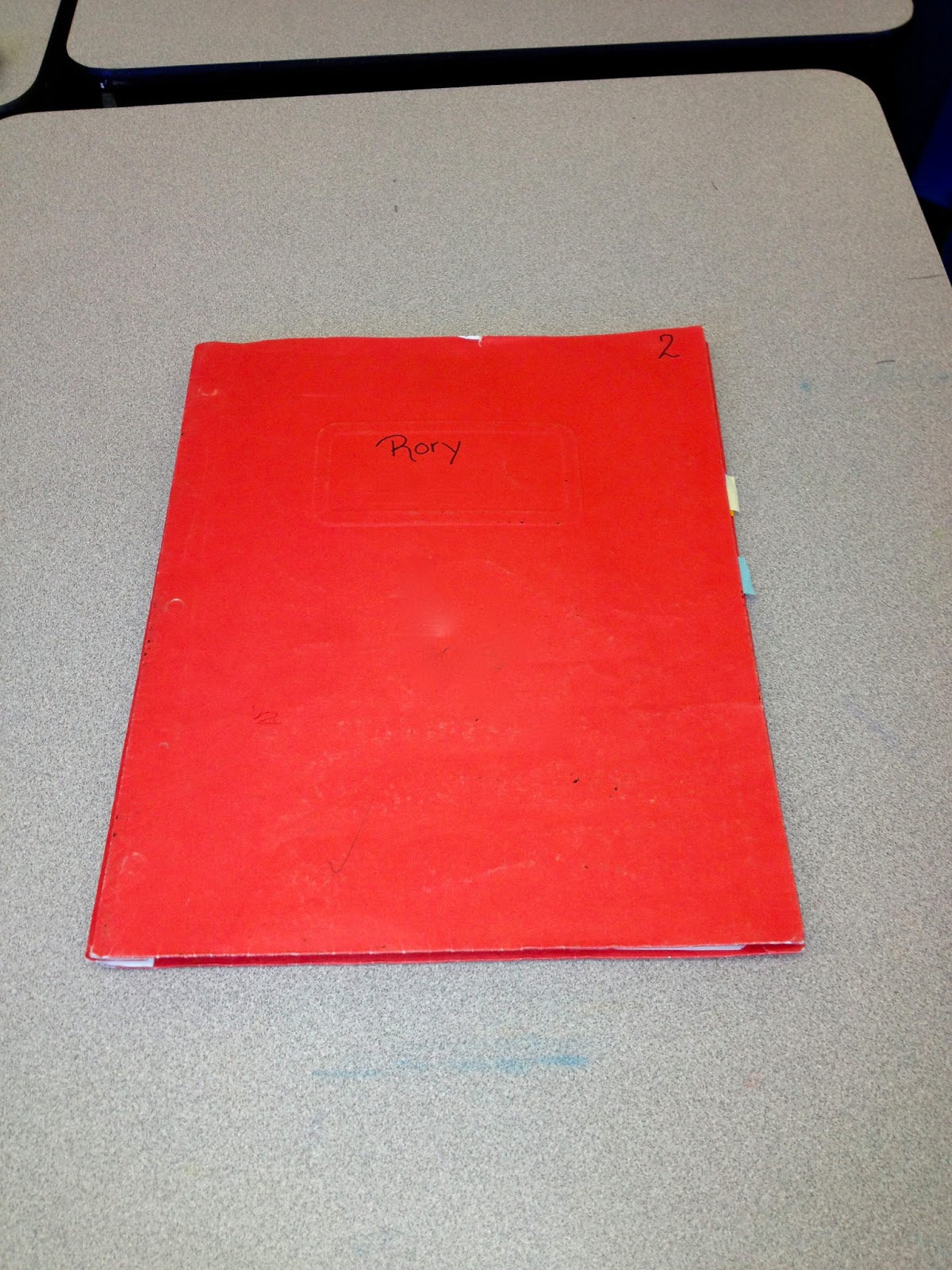
One of the most common things mentioned regarding classroom management is being prepared first thing in the morning.  Part of that is having something for your students to work on when they arrive to your room so they aren't idle.  For the first few years of my teaching career, I always had what I called Morning Work ready for my students when they came into my room.  However, sometimes I would forget to make the copy or the students would have to ask me for assistance.  Last year I came up with an idea to make my life easier.  Enter Morning Work Folders!

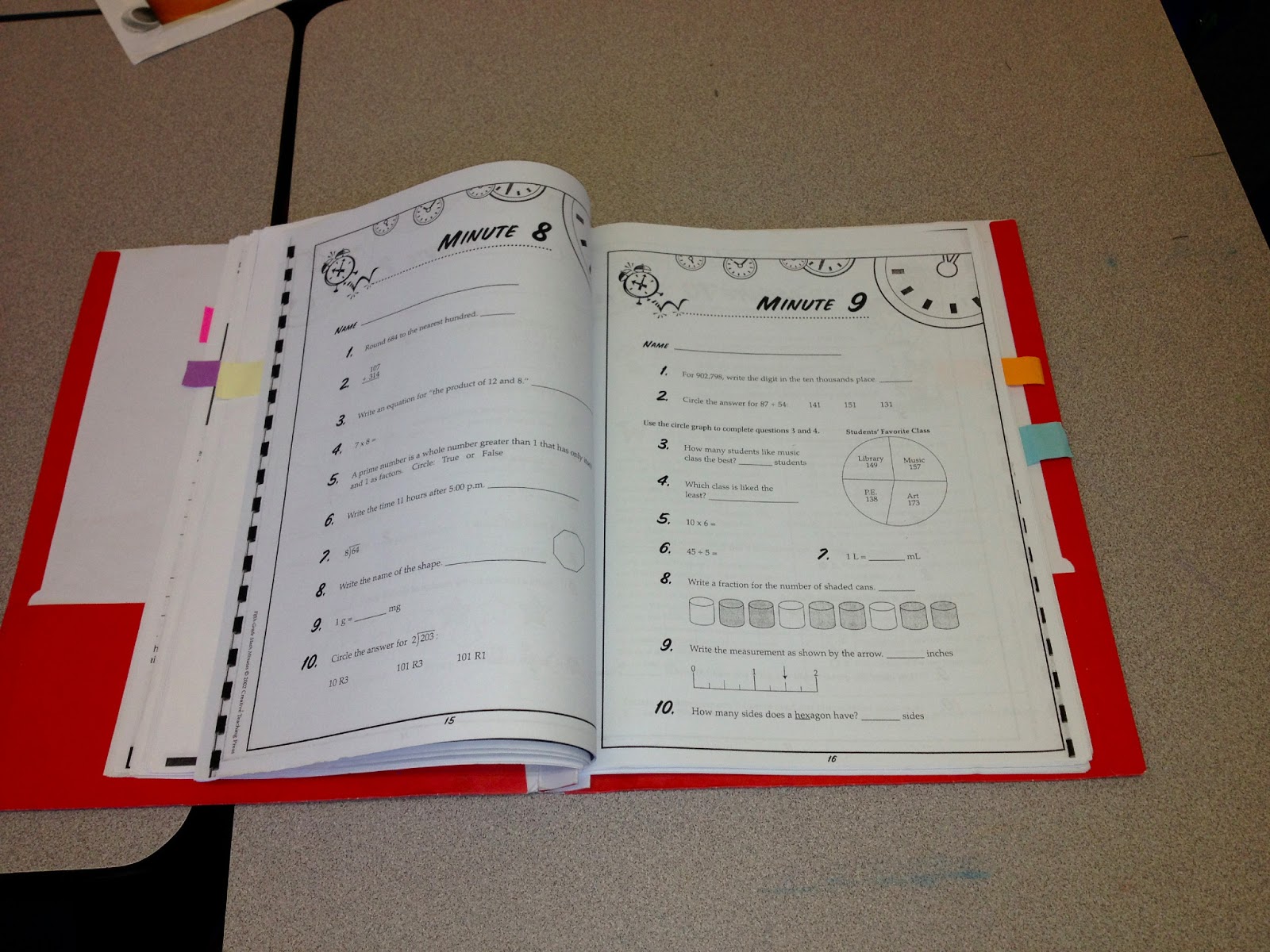
In the beginning of the year, I create a folder for each of my students.  Inside the the 3-prong folder I have 5 days worth of morning work for an entire quarter.  On the first day, I walk my students through the folder and we discuss what each day's work is.  I typically get this work from workbooks in which I don't use every page or my teacher resource books.  I try to touch on math or reading comprehension in a certain subject each day.

An example of my morning work from this quarter is as follows:

  • Monday - Time for Kids worksheets (I always receive a little booklet with my TFK order)
  • Tuesday - Real Life Comprehension sheets:  Students look over one side of the sheet and answer questions on the back (I LOVE THESE THINGS and my students enjoy seeing which one they are doing each week.)
  • Wednesday - Math Minutes: Quick worksheets that give a variety of spiral practice.
  • Thursday - Detective Reading Comprehension
  • Friday - Grammar practice

Each day is separated in their folder by a post it tab with a specific color.  On the calendar above each day, I have the same color post it shown.  This way, students know that if it is Monday they are working in the pink post it section, Tuesday is purple and so on.  Each week as they complete the page, they move the post it note to the next sheet in the section. These folders never leave the classroom, so there is no chance of a student not having it to work on the next day. 

The Morning Work Folder enables me to get the paperwork that needs to be done first thing in the morning completed, while giving the students a routine that they are aware of and follow daily.  They are usually able to complete the work in about 15 minutes and then we take an additional 5 minutes to grade it so they get immediate feedback.  Each quarter, the students empty out their folder and I give them the new packet and they quickly insert in their post-it spacers again.

It's a quick and easy routine that has made my life so much easier!  What do you have your students do first thing in the morning?


Related Posts Plugin for WordPress, Blogger...